TL;DR. A free CV builder is a web app that lets you create and export a professional CV without paying, in theory. In practice, most charge at the download step. As of April 2026, the free CV builders that actually export a clean PDF with no watermark are SimpleCVBuilder (one free CV, no credit card), Canva (if you stay on free templates), and Google Docs templates. Zety, Resume.io, and Novoresume let you build for free but gate the PDF download behind a paid trial. This guide breaks down how the category monetises "free," which builders pass an ATS test, and when a free tier is enough.
April 2026.
What a free CV builder actually costs you
"Free CV builder" is one of the most searched phrases in the job-seeker category, and also one of the most abused. Every tool in the top ten of Google calls itself free. Very few behave that way at the checkout step. The word is doing a lot of work. Five monetisation models hide behind it.
- Genuinely free. Build, download, done. No card, no watermark, no export paywall. Usually limited in volume, but the exported file is yours. SimpleCVBuilder's free tier and Google Docs templates sit here.
- Freemium with clear limits. Real free usage, with paid tiers unlocking volume or advanced features. Canva fits this shape when you avoid premium templates.
- Free editor, paywalled export. The build is free; the PDF is not. Often framed as a "$2.95 14-day trial" that renews at $24.95 per month. Legal, common, and the main reason "free CV builder" has a trust problem.
- Free with watermark. Download is free but the PDF carries a visible "Made with X" mark. Removing it requires upgrading.
- Free trial with card-on-file. You can export, but only after entering payment details. Technically free for two weeks, behaviourally a paid product.
Two forces pushed the category toward paywalled exports. First, AI adoption exploded on both sides. 51% of organisations now use AI for recruiting, up from 26% in 2024, per SHRM's 2025 Talent Trends. Second, 97.8% of Fortune 500 companies use an applicant tracking system, per Jobscan's 2025 ATS Usage Report, so builders repackaged keyword scoring as a paid upsell. The result: tools free to use and paid to finish.
Best free CV builders in 2026
Ranked for the typical job seeker who wants one decent CV out this week with no credit card. Entries are described by behaviour, not marketing.
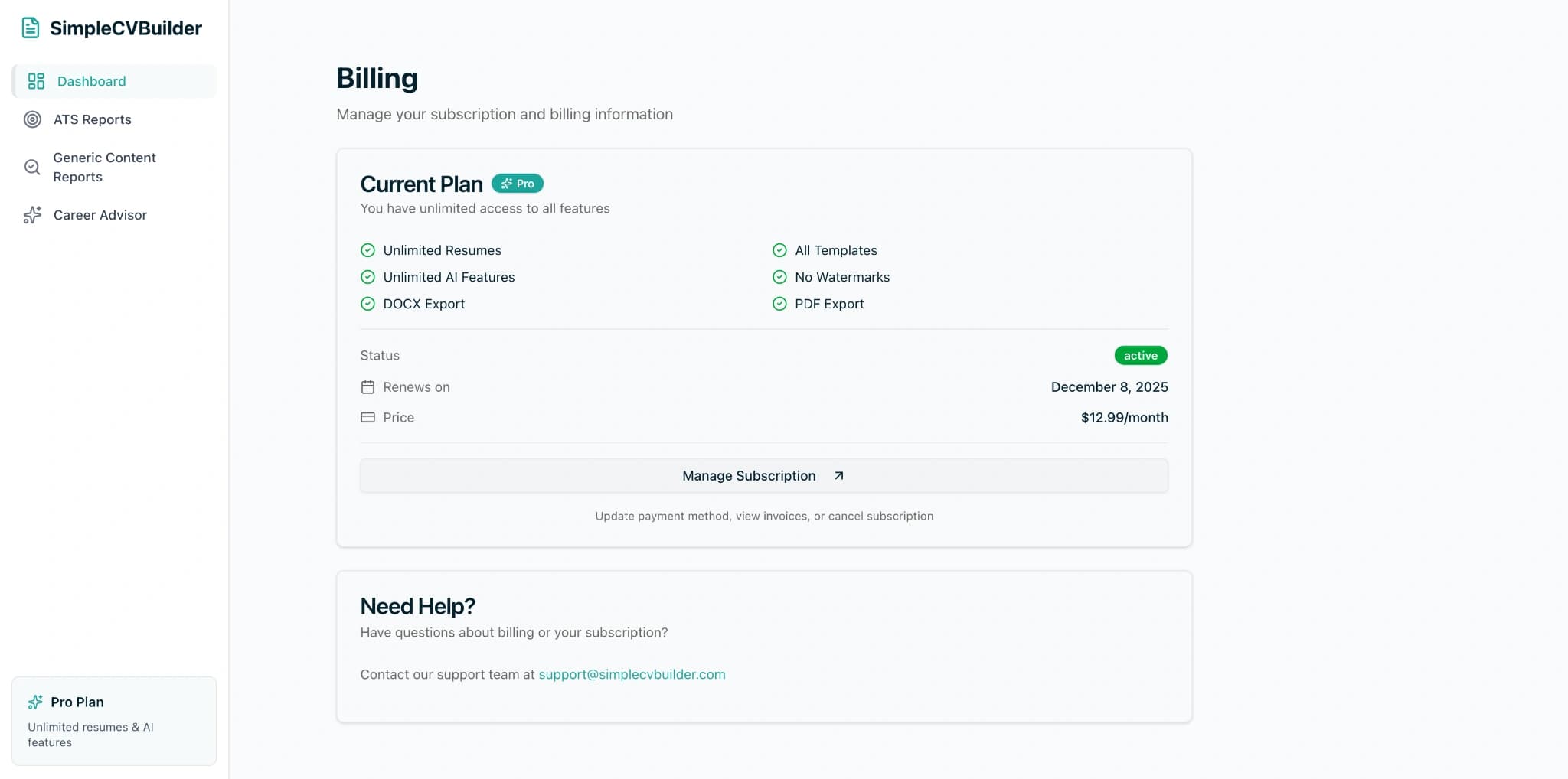
- SimpleCVBuilder: best genuinely free tier. One CV, 3 of the 12 templates, AI ATS analyzer on the free plan, one free PDF with no watermark, no card required. Paid tier unlocks unlimited CVs and advanced AI at $12.99 per month.
- Canva: best for visual-first CVs. Free if you stay on free templates and skip premium elements. Strong design control, weaker ATS output because of text-in-graphics and two-column layouts. Good for portfolio-style roles, risky for Workday pipelines.
- Google Docs templates: best no-sign-up option. Genuinely free, works offline in Docs desktop, exports clean PDFs. Templates are limited and dated, and there is no ATS scoring, but the output parses well.
- Microsoft Word (with Microsoft 365 or Word Online). Not free unless you already have a subscription. A handful of built-in CV templates, decent ATS parsing, no AI guidance.
- Zety: free editor, paid export. You can build for free, but the PDF download is paywalled through a paid trial. Fine if you are ready to subscribe, misleading if you expected a free file.
- Resume.io: free editor, paid export. Similar model to Zety: build free, pay to download. Extensive template library, strong brand presence, but the "free" in the name refers to the builder, not the export.
Honest comparison: who charges for what
| Builder | Watermark on free PDF | Export fee on free tier | Templates | ATS scoring on free | Pro / paid tier |
|---|---|---|---|---|---|
| SimpleCVBuilder | None | First PDF free, then $3.99 per download, no card | 3 of 12 | Yes (AI ATS analyzer) | $12.99/mo, unlimited CVs |
| Canva | None on free templates | None on free templates | 100+ (mixed free/paid) | No | $14.99/mo Pro |
| Google Docs | None | None — no sign-up beyond Google | ~5 built-in | No | Included with Google account |
| Microsoft Word | None | Requires Microsoft 365 or licence | ~10 built-in | No | From ~$9.99/mo |
| Zety | N/A — export is paywalled | $2.95 trial → $23.95/mo | 20+ | Paid only | ~$23.95/mo after trial |
| Resume.io | N/A — export is paywalled | $2.95 trial → $24.95/mo | 25+ | Paid only | ~$24.95/mo after trial |
Pricing figures are from each vendor's public pages as of April 2026 and change often. If you are reading this later, open a private window, start a build, and go all the way to the download step before assuming a tier is free. The checkout page is the only source of truth.
Watermark audit — how to test any free CV builder
A watermark is the cheapest way for a builder to pressure an upgrade, and the easiest signal to audit before you invest two hours writing bullet points. The 3-minute test to run on any "free" CV builder:
- Reach the export screen. Build a throwaway CV with placeholder content. You just need to reach the download button.
- Hit "Download PDF" and read the modal. If it says "Upgrade to download," you are on a paywalled-export product. Close and move on.
- Open the downloaded file. Check all four corners, the header, and the footer for a light grey "Made with X" line. Some builders also inject a hyperlink in PDF metadata, so check "Document Properties" if you want to be thorough.
- Copy the text out. Select all, paste into a plain text editor. Clean copy means a real text layer that parses through an ATS. Garbled characters mean the file is image-based and will fail parsing inside Workday, Greenhouse, Lever, and Taleo.
Which free CV builders produce ATS-compatible files
ATS parsing is where free CV builders quietly separate. A good-looking PDF is useless if Workday reads it as "Jane Doe | | | Senior | | | Engineer." Free tools fail parsing in three ways: two-column layouts, text inside graphics, and decorative fonts. The Harvard Business School "Hidden Workers" study estimated that 27 million US workers are excluded because their CVs do not match rigid ATS criteria, a cost that falls hardest on career changers and international applicants.
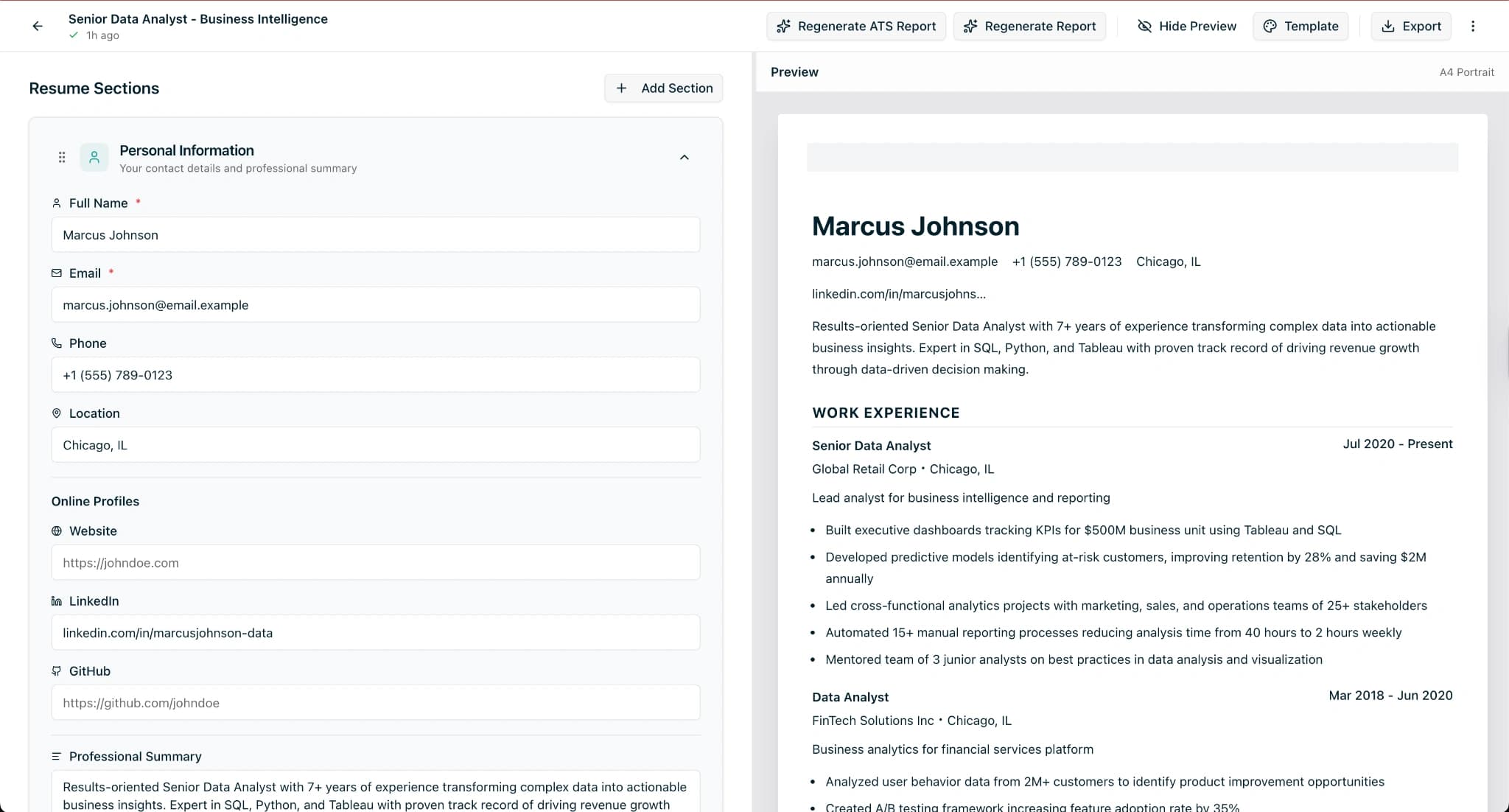
For large-employer pipelines like Amazon, Deloitte, or any Fortune 500, the single most valuable free feature is an ATS checker built into the builder. SimpleCVBuilder includes one on the free tier through the AI ATS analyzer, which scores layout, keyword coverage, and readability against the job description you paste in. Canva and Google Docs do not include ATS scoring, so you need a separate tool like Jobscan or our own ATS guide.
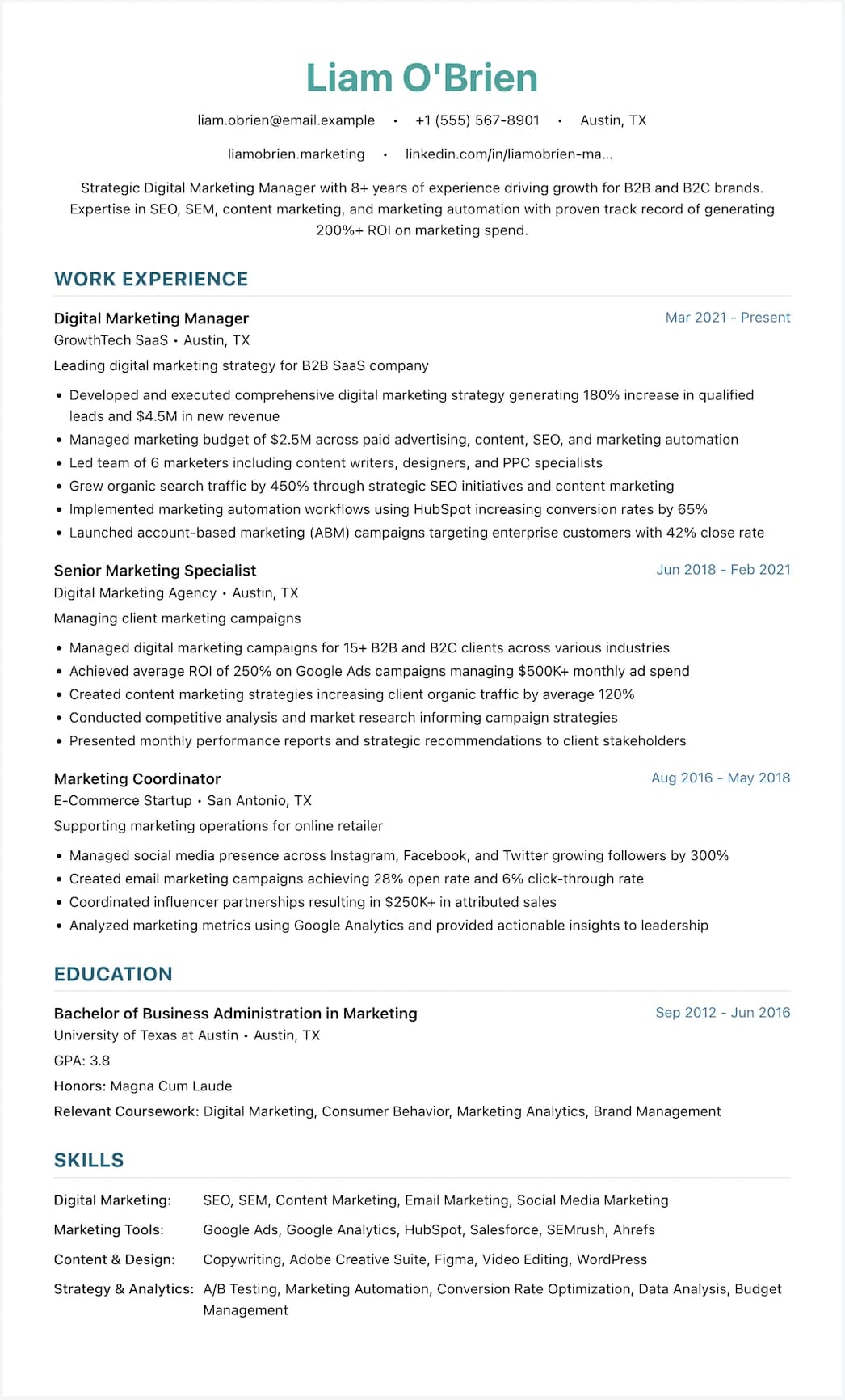
The single-column layouts in our Minimalist ATS and LaTeX ATS templates are built to pass standard parsing: no text boxes, no icon labels, no tables faking columns.
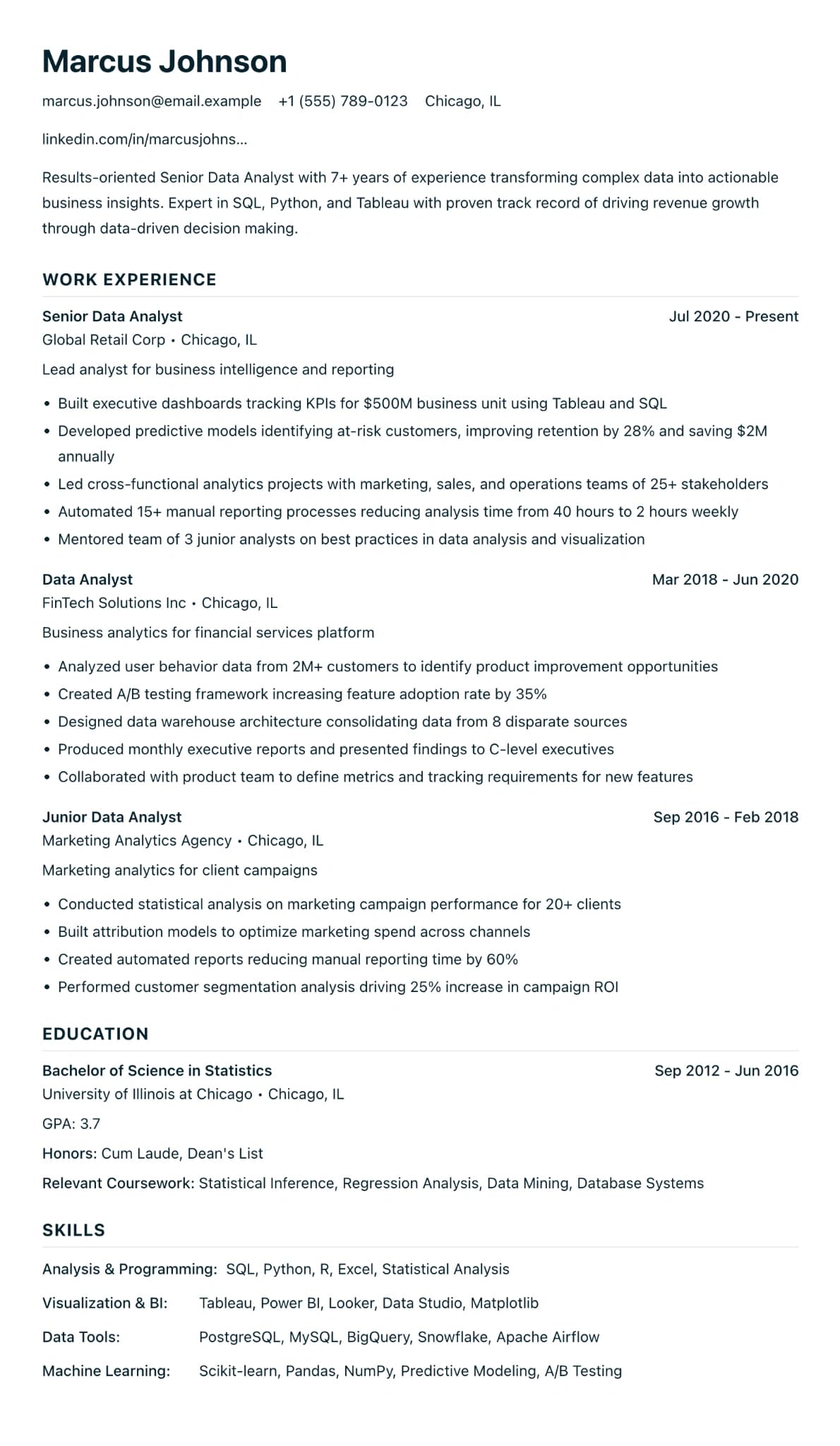
How SimpleCVBuilder's free tier actually works
We are not neutral, so here is a direct description of what you get without paying.
You get one CV saved to your account, which you can edit forever and overwrite with a new version when you change roles. The first PDF download of it is free (a share link uses the same allowance). After that you can pay $3.99 for another download or move to Pro. You also get 3 of our 12 templates: Modern, International Student and Education CV (full template library).
The AI ATS analyzer is on the free tier. Paste a job description, get a score and specific fixes. It is rate-limited daily, which is generous for real applications and not for agency-scale usage. PDF export has no watermark and no credit card. The file you download is the file you send. GDPR is on by default, your data stays private, and you can export or delete everything from settings. We never sell data.
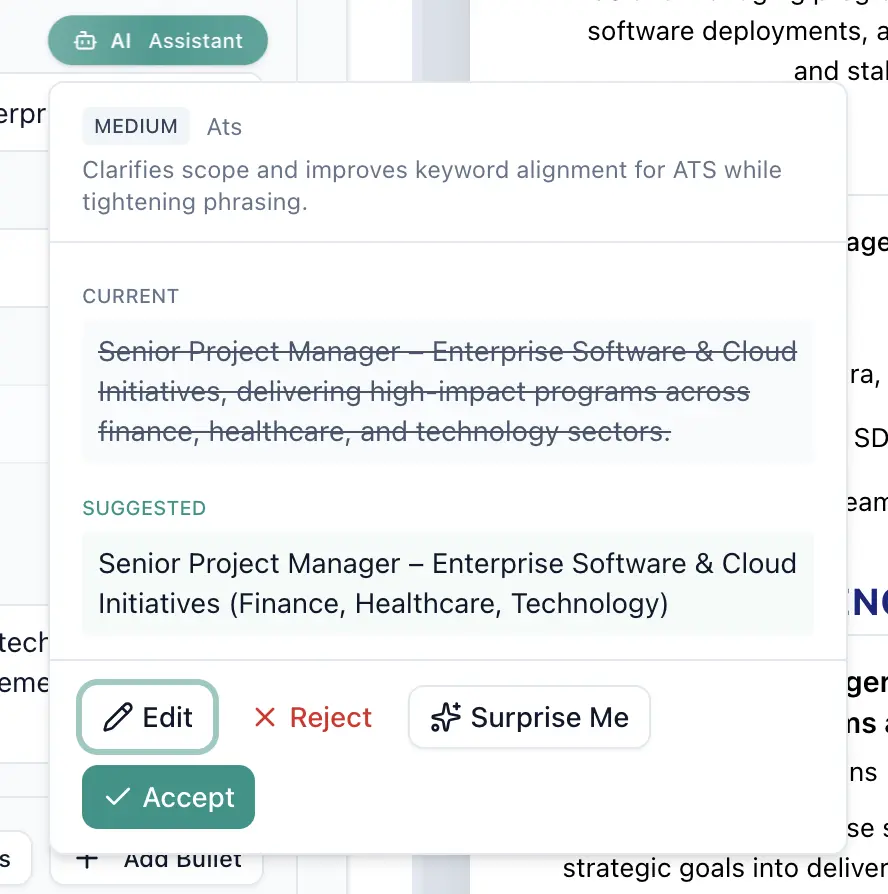
The AI bullet generator is on the free tier too, with two AI-written bullets on your CV. Not on the free tier: unlimited CVs, unlimited AI bullets, unlimited Career Advisor reports, TXT export for pasted online forms, unlimited PDF downloads, and the other nine templates. Those sit in Pro and are useful mainly when you are applying to more than a handful of roles.
Build your CV free — no watermark, no credit card
One CV, 3 templates, AI ATS scoring, and a free, clean PDF download. Upgrade only if you need multiple CVs or advanced AI features.
When to stay free, and when to upgrade
Stay free if you are applying to one role or a small handful; your career path is linear; you only need PDF output; or you are early in the search and do not yet know your target.
Upgrade if you need three or more tailored CVs for different roles; you are pivoting careers and need AI help translating transferable skills; you want TXT exports to paste into online forms; or you run a side-hustle CV service and need volume.
A career changer with a deep pivot usually saves more than the $12.99 cost in a week of AI bullet rewriting. An international student applying to three employers is fine on the free tier.
A word on "AI-generated" free CVs
Free AI resume generators are flooding the category in 2026. Most produce competent first drafts (fluent text, safe structure) and recruiters can spot them within seconds. Two rules help. First, AI is a first draft, not a final CV. Every bullet it writes should be rewritten with a specific number: headcount, budget, time saved. Generic AI bullets rank poorly in modern ATS systems using LLM layers on top of traditional parsing, per Gartner's October 2025 analysis. Second, use AI where it saves you from a blank page, not where it fakes experience. SimpleCVBuilder's AI features on the free tier handle the boring parts like parsing a job description, scoring against your CV, and suggesting keyword additions, while leaving the writing to you.
Frequently asked questions
Is there a truly free CV builder with no watermark in 2026?
Yes. As of April 2026, SimpleCVBuilder lets you build one CV and export a PDF with no watermark and no credit card on the free tier. Canva is free when you stay on free templates. Google Docs templates are also genuinely free. Most other mainstream builders either watermark the free export or lock the PDF behind a paid trial.
Why do free CV builders ask for payment at the download step?
Because the build is cheap but the user is hot. Once you have spent 20 minutes on your CV, you are much more likely to enter a card. Some builders run a free editor and paywall the PDF, often via a $2.95 two-week trial that renews monthly. Legal pricing, but it is why "free" rarely means free at the file-download step.
Can I download my CV for free without signing up?
Sometimes. Google Docs templates and some open-source builders export without an account. SimpleCVBuilder asks for a free account so we can save your CV and apply the AI ATS analyzer, but there is no credit card and no watermark on the free PDF export.
Is Microsoft Word a free CV builder?
Word is not free — it ships with Microsoft 365 or a paid standalone licence. Word Online has a free tier if you have a Microsoft account, with a handful of CV templates. They are functional but limited, with no ATS scoring or AI bullet rewriting. For an ATS-friendly layout without paying for Word, a dedicated free CV builder is usually a better starting point.
Do free CV builders produce ATS-friendly files?
Some do, some do not. An ATS-friendly CV uses a single-column layout, standard headings, and a parseable PDF text layer. Many free builders export image-based PDFs that Workday, Greenhouse, Lever, or Taleo misread. Run any free export through a checker before you send. SimpleCVBuilder's free tier includes an AI ATS analyzer so you can check before you apply.
Is SimpleCVBuilder GDPR compliant?
Yes. SimpleCVBuilder stores CV data with row-level security, never sells data, and lets you export or delete everything from account settings. The free tier requires no credit card, so no billing data is collected unless you upgrade. Privacy controls are on by default rather than opt-in.
When is it worth paying for a CV builder instead of staying free?
Pay when you need multiple tailored CVs, advanced AI features like unlimited bullet rewriting and career-change reports, or a TXT export for pasted online applications. If you only need one CV and one PDF, a free CV builder is enough. SimpleCVBuilder Pro is $12.99 per month and unlocks unlimited CVs and the full AI toolkit.